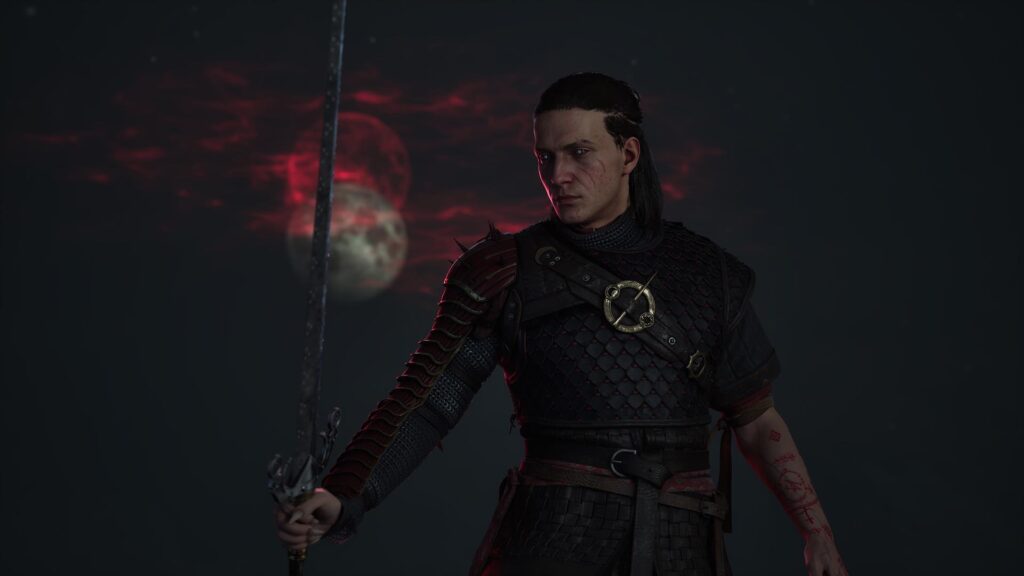
We have not found an authoritative source confirming a native HDR option in the current build. Windows Auto HDR is an operating-system feature and should not be described as native game HDR. Community reports show demand, not proof of support or absence across every platform.
Safe first pass
Do this first
- Check the in-game display menu and current patch notes.
- Confirm HDR is enabled and calibrated at the operating-system and display level.
- On Windows 11, treat Auto HDR as a separate, reversible per-game experiment.
- Compare the same scene, then revert if highlights, blacks, or interface colors look wrong.
Native HDR versus Auto HDR
Native HDR is implemented by the game and normally exposes game-specific calibration or output behavior. Auto HDR converts supported SDR games at the Windows layer. One does not prove the presence of the other.
What would change this answer
A publisher patch note, official support page, verified platform listing, or direct capture of the final build would justify a firmer platform-by-platform status. Until then, this page stays conservative.
Stop pointDo not download third-party injectors or alter system color profiles based only on a generic HDR guide.
Evidence log
Sources checked
CommunitySteam discussion: No HDR?Establishes active player demand only.
↗Platform supportMicrosoft: Auto HDR and per-game optionsOfficial Windows distinction and reversible per-game path.
↗OfficialOfficial Dawnwalker newsPublisher channel used to verify shipped updates and announcements.
↗Found a build change or a source we missed? Use the correction channel. Community workarounds remain labeled until they can be reproduced or confirmed.