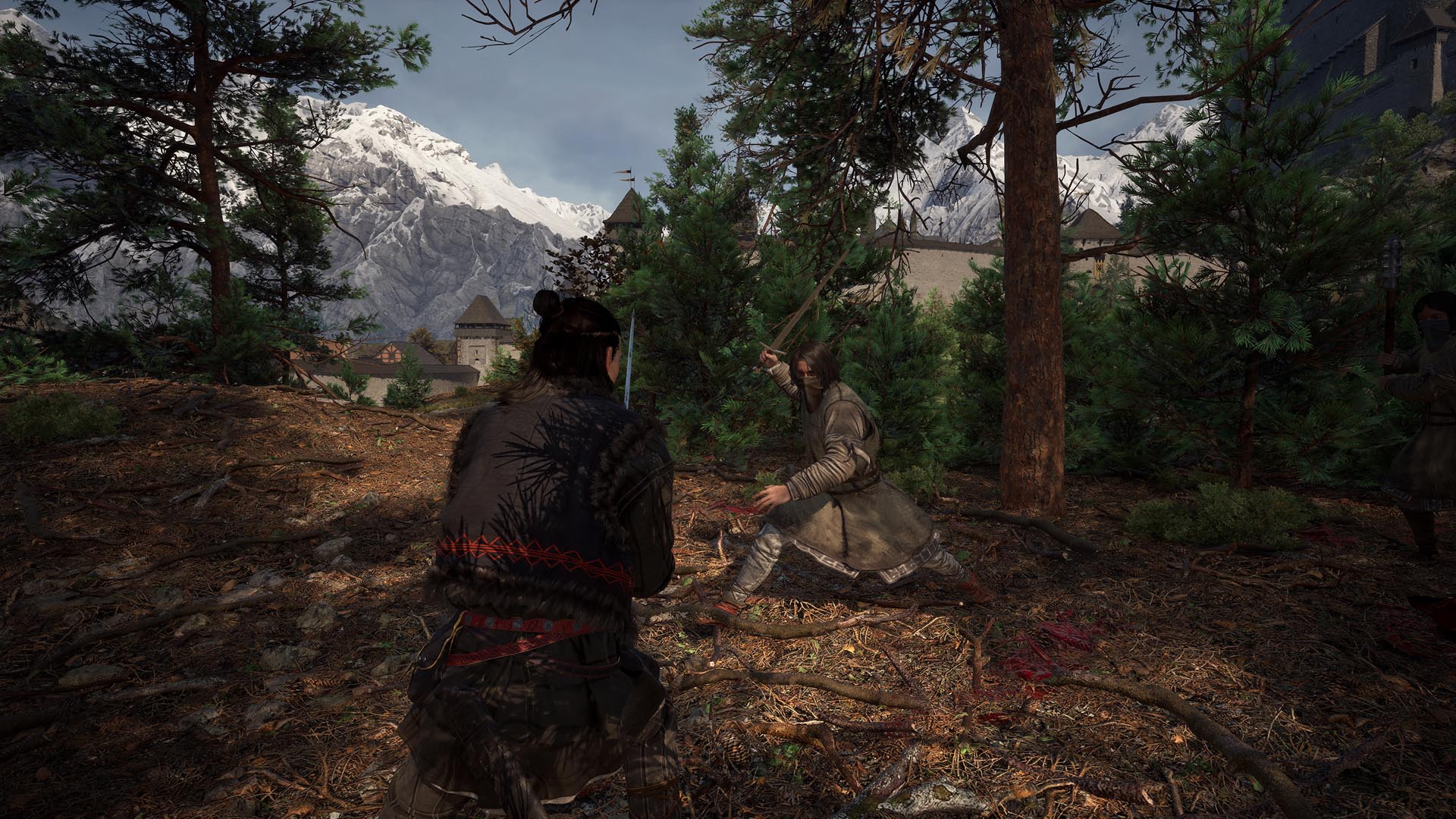
Begin with the preset closest to your official hardware tier and Balanced upscaling, because the published target tiers use that assumption. Measure a demanding area, then lower expensive options incrementally. One reviewer’s setup is not a universal best preset.
Safe first pass
Do this first
- Match your CPU, GPU, VRAM, and resolution to the official tier before tuning.
- Use Balanced upscaling as the documented reference point.
- Choose one demanding route and record smoothness plus visible image artifacts.
- Lower one setting group at a time; keep the change only if it improves your target.
- If average FPS is acceptable but movement hitches, switch to the stuttering guide.
A practical first pass
Set the target resolution first, choose the closest preset, and test without chasing maximum counters. Published testing found that lower settings retained reasonable clarity, but the exact gain depends on hardware, area, driver, and build.
- Prioritize a stable target over short peak readings.
- Compare upscaling modes while standing in the same place.
- Evaluate frame generation for latency and image quality as well as displayed FPS.
Why there is no universal table
Official requirements describe hardware targets; they do not guarantee identical results for every system. We label outside benchmarks by setup and use them as starting evidence, not promises.
Stop pointIf the game becomes unstable after tuning, restore the preset and verify files before stacking more changes.
Evidence log
Sources checked
OfficialThe Blood of Dawnwalker official siteOfficial minimum and recommended PC requirements.
↗ReportingPC Gamer: best settings to tweakObserved setting tradeoffs on named hardware.
↗ReportingPC Gamer: final requirements use Balanced upscalingReports the official clarification behind the performance tiers.
↗Found a build change or a source we missed? Use the correction channel. Community workarounds remain labeled until they can be reproduced or confirmed.